GitHub Repository
Background and Motivation
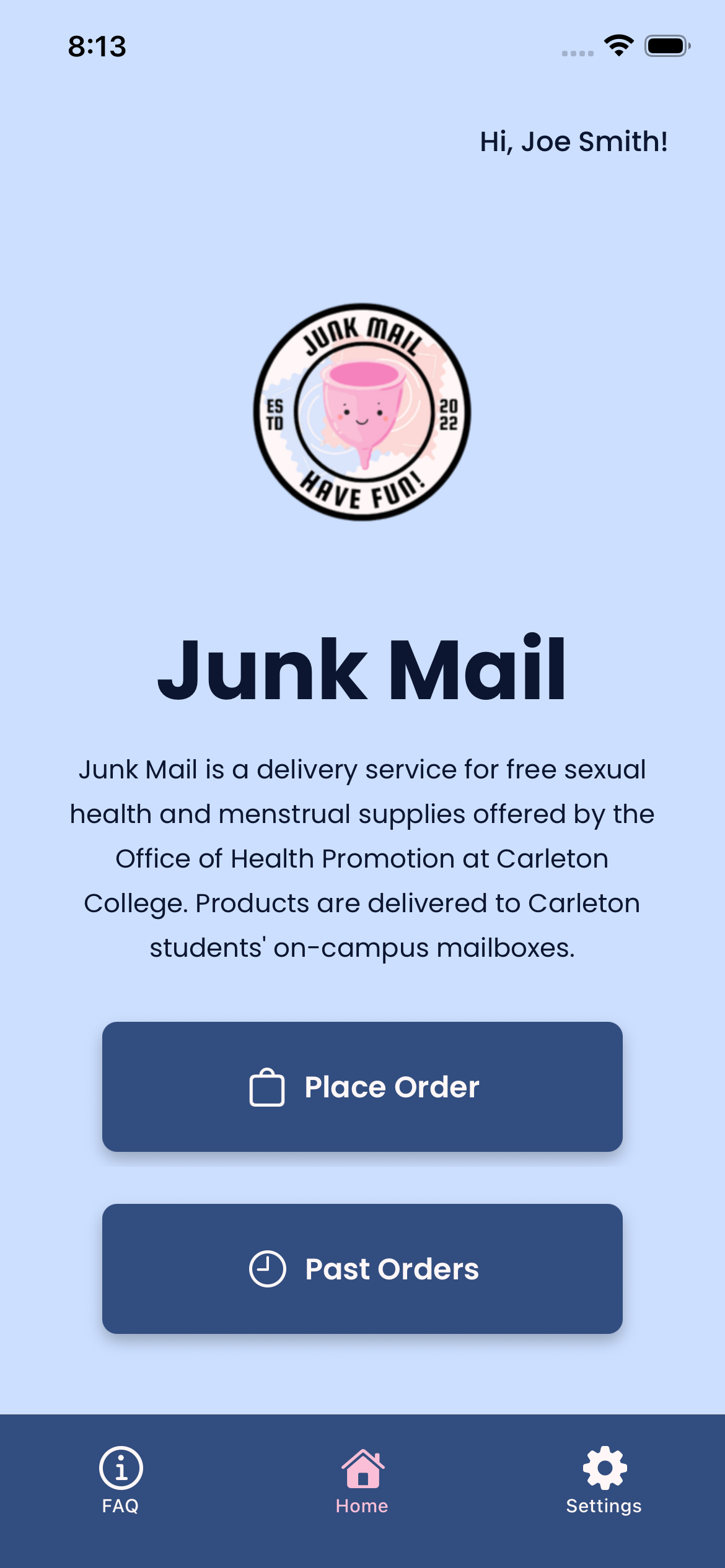
Junk Mail is a delivery service for free sexual health and menstrual supplies at Carleton College. The program is run by Student Wellness Advocates (SWAs) and Patrick Gordon at the Office of Health Promotion (OHP). Once a student places an order through Junk Mail, it is delivered by a SWA to their mailbox in Sayles by Friday (if it is place by Thursday at noon). Before building our mobile app, Junk Mail orders were placed through a Google Form. The motivation for this project was driven by four main factors:
- Increasing accessibility by moving beyond a Google Form
- Expanding the Junk Mail program and its usage
- Make the process of ordering easier for the user
- Make the process of fulfilling orders easier for the SWAs
To achieve these goals, we decided to build a mobile app.
Data Collection
To begin our data collection, we sent a survey through campus announcements to get broad feedback about the Junk Mail program from the Carleton campus community. Next, we conducted six semi-structured interviews with Carleton students (3 Junk Mail users, 2 non-users, and 1 SWA). Finally, we observed and met with SWAs as they fulfilled orders to learn more about their process. As a result of the data collection process, we established five main goals for the app:
- Replicate all features of the current Google Form
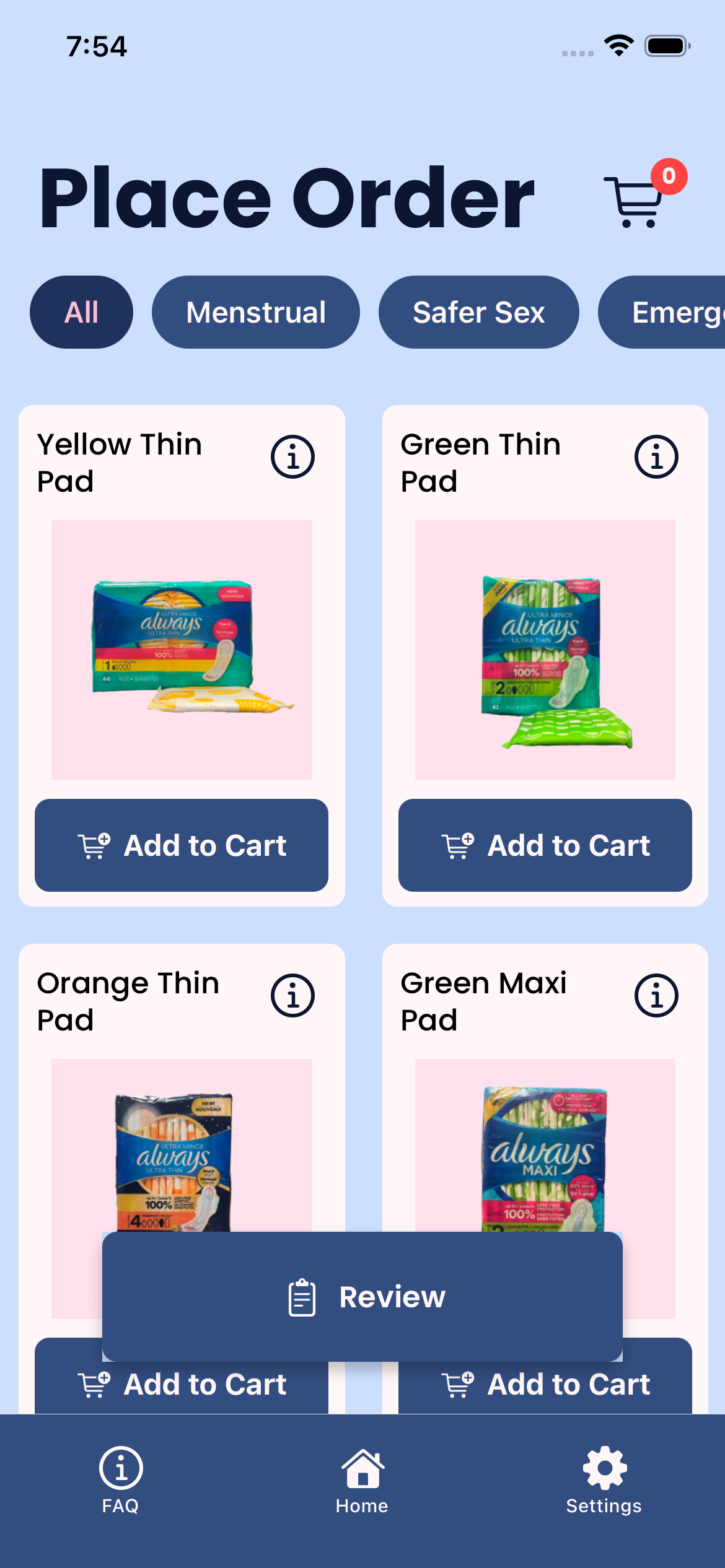
- Include product descriptions and images
- Introduce a notification system for order delivery and order reminders
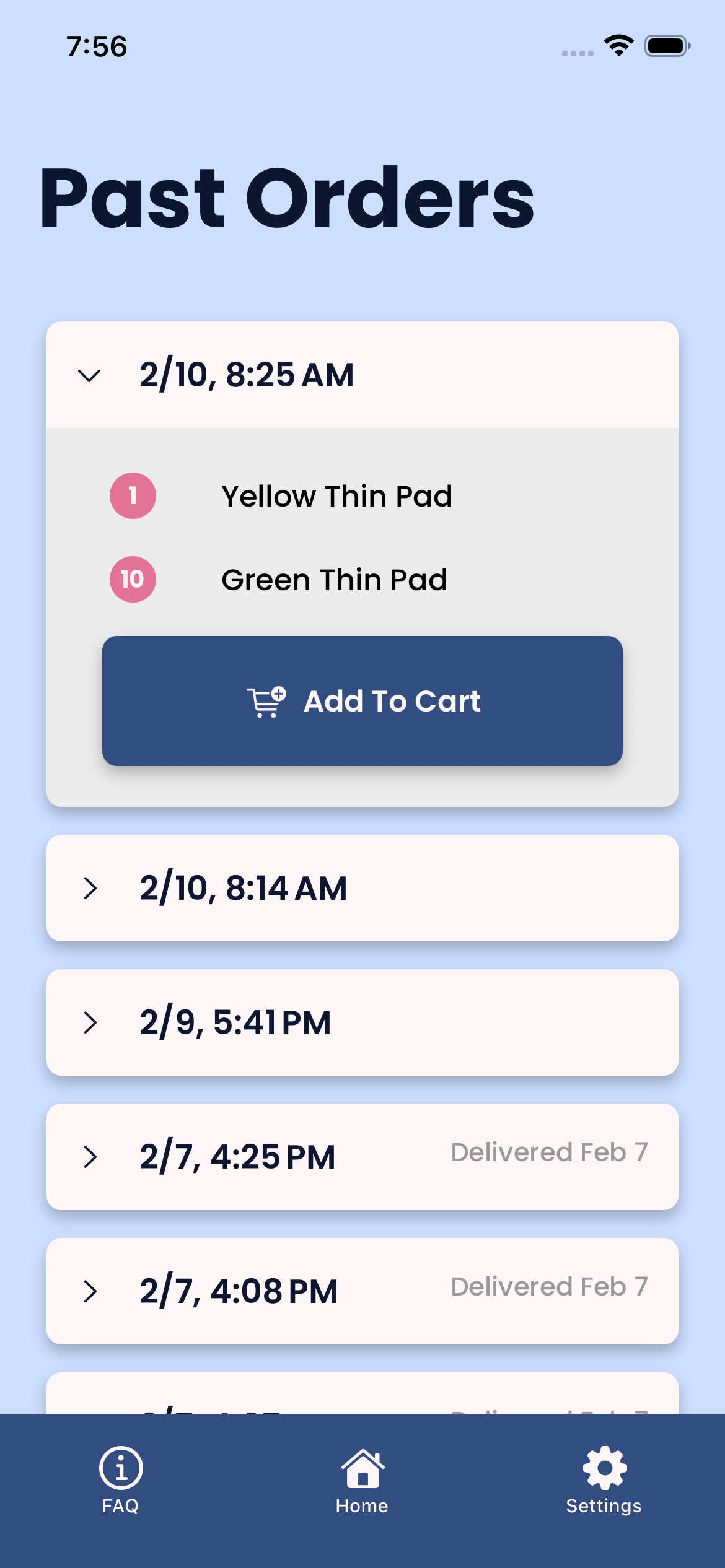
- Create an easy way to reorder past orders
- Develop a cleaner system for SWAs to view orders
Tech Stack
The tech stack for this project is comprised of React Native, TypeScript, and Firebase. On the client side, React Native is a mobile development platform and TypeScript is a programming language commonly used in React Native projects. We decided to use React Native because it is a unified framework for both iOS and Android development, which allowed us to write code once and use it for both iOS and Android. Firebase is an external database that exists in the cloud and is managed by Google. We used Firebase to store and manage user accounts and orders across sessions and devices.
Features
The final features implemented in the app are broken down into two categories: those for Junk Mail users and those for SWAs.
For Junk Mail users, we offer the following features:
- Create a Junk Mail account
- Learn about the Junk Mail program and app
- Place an order
- View past orders and easily reorder them
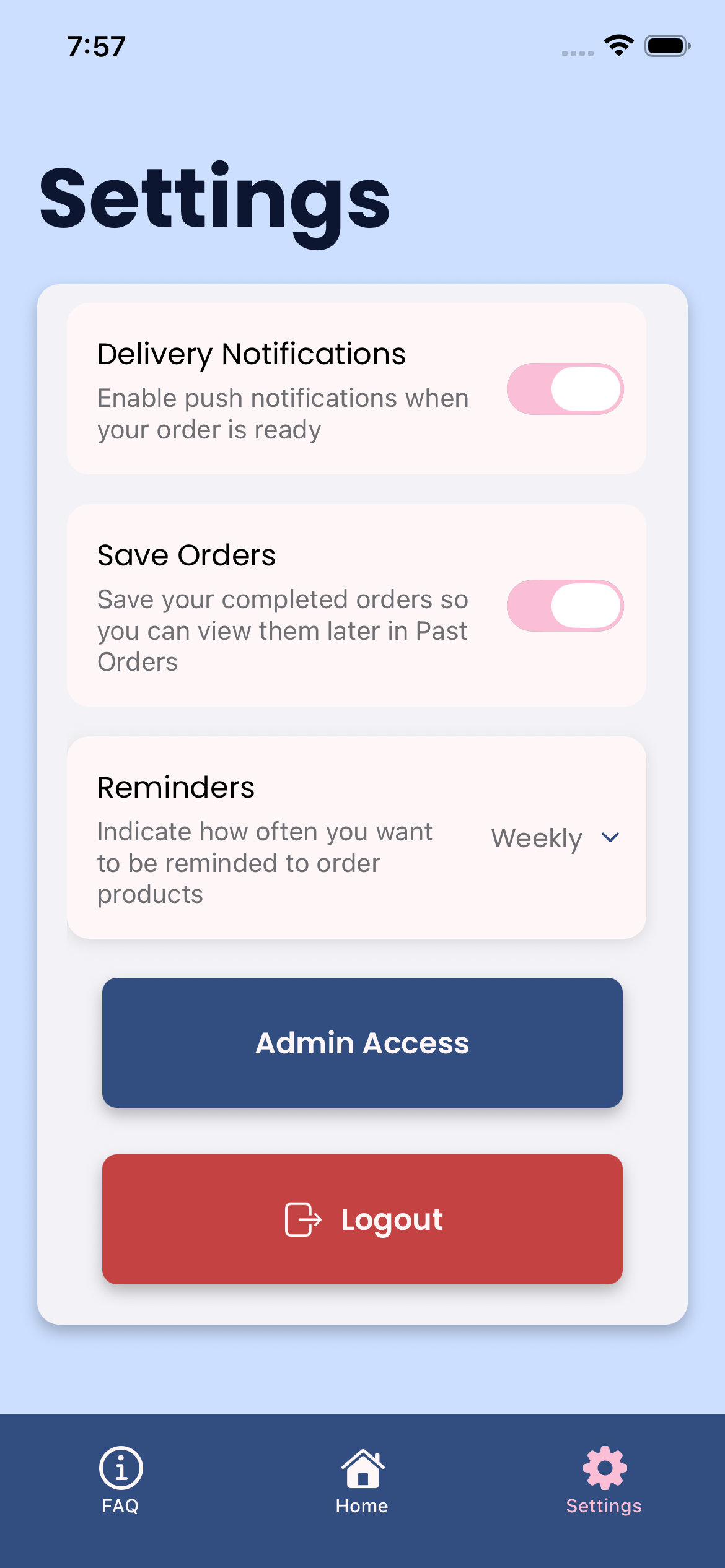
- Enable reminder and delivery notifications
For SWAs, we offer the following features:
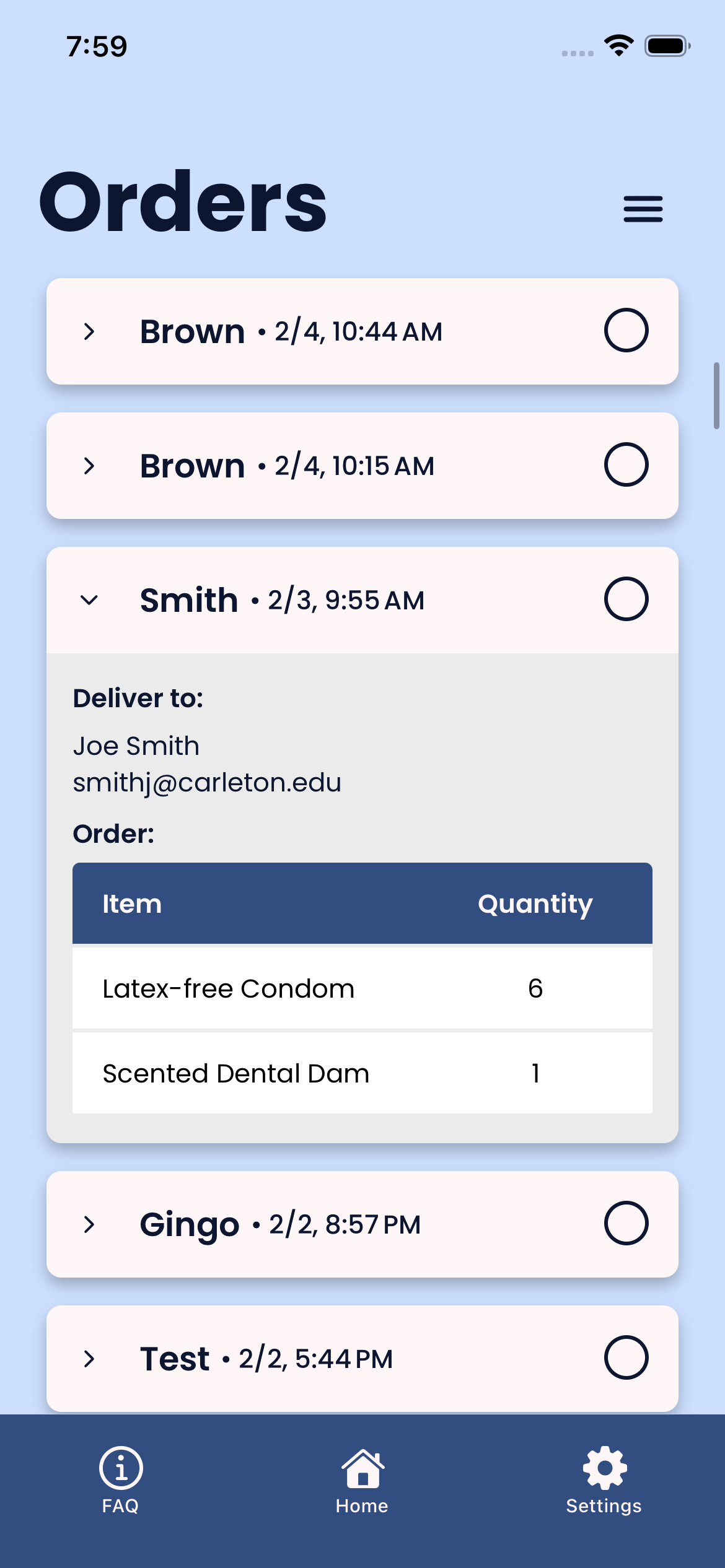
- View all orders that have been placed
- Track which orders have been filled and by whom
- Clear all orders to refresh order history
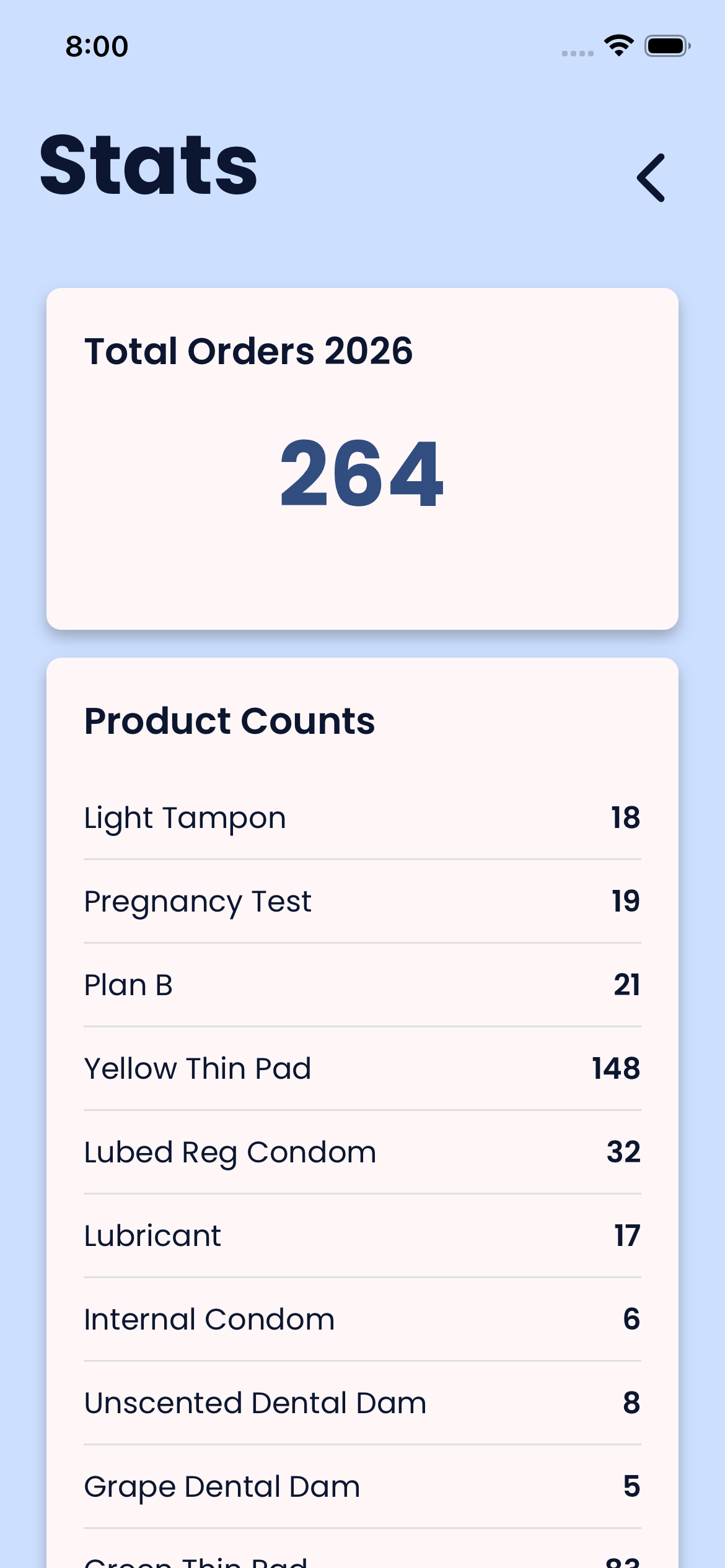
- Explore stats about product demand
Security and Deployment
The app is currently not able to be deployed to the Apple App Store or Google Play Store because of Single Sign On (SSO) web server requirements. In the meantime, our current solution is to deploy the app via sideloading. An Android user can log in to the OHP Junk Mail web page with their Carleton credentials and click on the .apk file to download the app. An iOS user can download the TestFlight app from the App Store and then install the Junk Mail app from within TestFlight.
The main future development goal for this project is to make the app available on the Apple App Store and Google Play Store. We have identified three ways in which we could do this: building a server-side microservice that authenticates the user, wrapping the current app in an Apache server to execute authentication via a web browser redirect, or attempting to use Google Auth to authenticate a user based on their Carleton Google account.
Future Scope
The future scope of this project is to implement features that OHP has identified as wishlist items for future versions of the app. These desired features include:
- Tagging items as out of stock
- Adding, removing, and editing products
- Disabling order placement over school breaks
- Allowing SWAs to add students' mailbox numbers to their orders when filling them
- Implementing the capability for a SWA to tap an order once to mark it as packed and tap it a second time to mark it as delivered