Detailed instructions on how to use Nym
1. Be sure Java version 1.4.x is installed on your computer
2. Download the Nym.jar file onto your computer
3. Download the bouncycastle.jar and be sure it is in the same directory as the Nym.jar
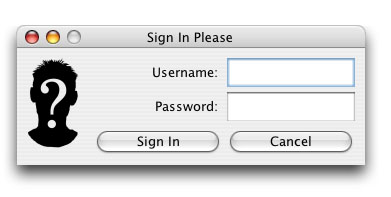
4. Double click on the Nym.jar file and enter the required information. The program should ask for your username and password:
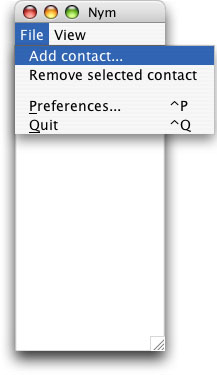
5. Now that Nym is running, click on the file menu and click on "add contact:"
6. Search for your friends through their profile, or username:

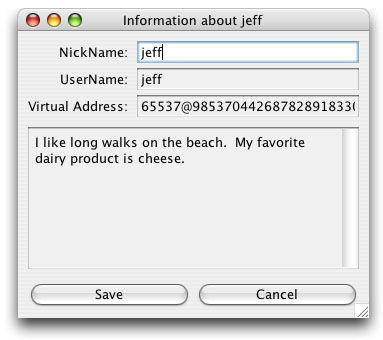
7. You can check your friends' information, and you can set your information in the view menu:
7. Hit "Add" on the add contact window and your friend should appear on your contact list
8. Your friend will see a subscription request window:

8. If your friend's username is italicized then Nym is waiting for them to accept your subscription request:
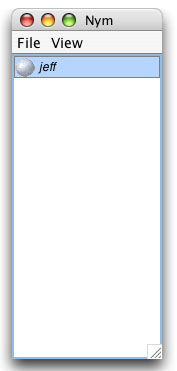
If your friend's name is Grey, then they are not online:

If their username is Green then they are online and you are able to chat with them:
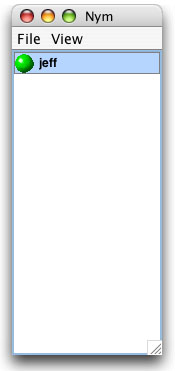
9. Double click on their username and a chat window will appear:

10. Begin chatting, and enjoy!